


Best Custom Home Design Software for 2026
Table of Contents
What Makes Custom Home Design Software Essential
Free Home Design Software Options Worth Considering
Custom Home Floor Plan Software for Detailed Planning
3D Home Design Software for Visualization and Presentation
Energy-Efficient Home Design Software and Sustainable Planning
Key Features to Prioritize When Selecting Design Tools
How to Use Design Software in Your Custom Home Project
Frequently Asked Questions
Last Updated: October 11, 2026
What Makes Custom Home Design Software Essential
Custom home design software transforms how homeowners and builders plan, visualize, and execute residential projects. Unlike generic tools, the best custom home design software combines floor-plan accuracy with 3D visualization, allowing you to see your vision before construction begins. This matters because decisions made during design phase are exponentially cheaper to change than mid-build surprises.
A well-chosen platform handles everything from initial conceptual design through construction documentation, keeping homeowners, designers, and builders aligned.
Modern custom home floor plan software now includes real-time collaboration, material libraries, energy-efficiency modeling, and rendering capabilities that rival professional tools. Yet most homeowners don't know what to prioritize when choosing.
Pro Tip Start by identifying whether you need a tool primarily for planning and visualization, or one that generates construction-ready documents. This single decision eliminates half the options immediately.
Free Home Design Software Options Worth Considering
Several free options exist for homeowners exploring custom home design. "Free" software spans a wide range, from casual room planners to capable floor-plan tools, and knowing which category fits your needs prevents wasted time.
Floorplanner is browser-based, produces clean 2D floor plans with basic 3D preview, and exports to PNG or PDF, ideal for conceptual layouts but not CAD files. Sweet Home 3D is desktop software for Windows, Mac, and Linux with stronger 3D rendering and OBJ export, but a less intuitive interface and generic furniture library.
SketchUp Free offers detailed 3D modeling and a vast component library but requires learning 3D concepts and doesn't generate 2D construction documents. Exports are limited to images and 3D files; you cannot extract dimensioned floor plans for permitting.
Free software trades ease of use for precision and export flexibility, or vice versa. None generate the full documentation set, plan views, elevations, sections, details, that builders and permit offices expect.
Free software works best for exploring layouts, communicating rough concepts, or learning fundamentals. If your project requires construction documents, permits, or builder coordination, free software is a starting point, not a complete solution.
Key Takeaway Free software is best used for concept validation, not construction planning. If you need dimensioned floor plans, material lists, or elevation details, budget for paid software or professional design services.
Custom Home Floor Plan Software for Detailed Planning
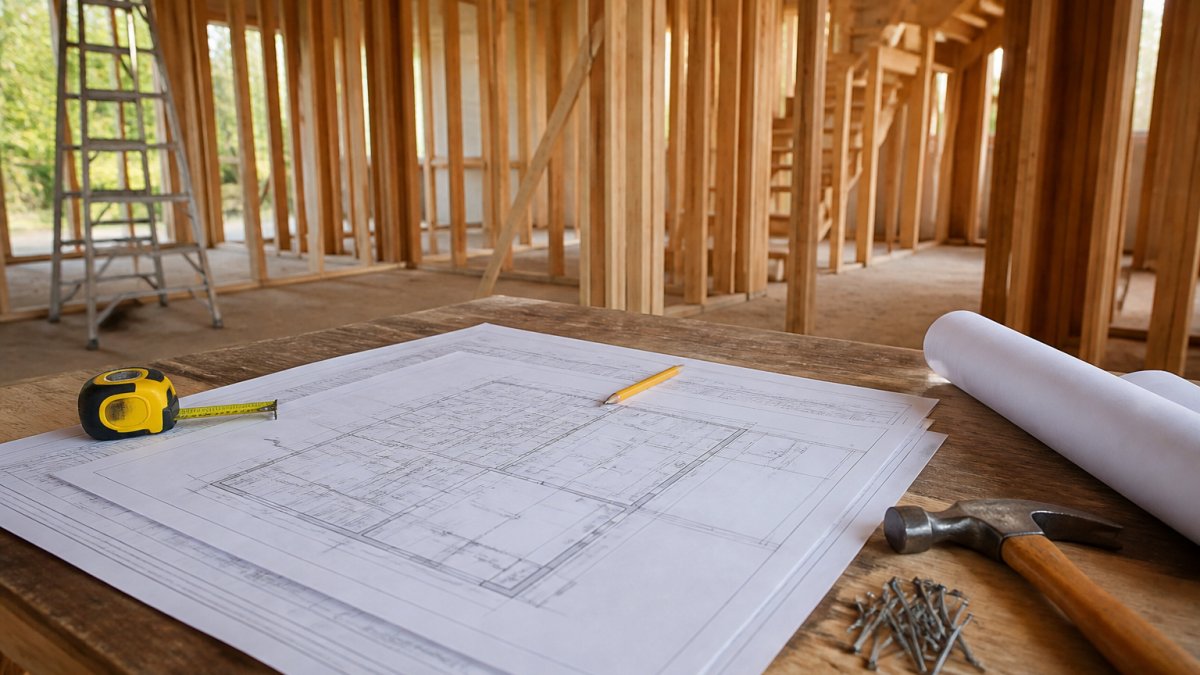
Custom home floor plan software focuses on accuracy, precise measurements, wall thickness, door swings, and fixture placement, essential if your project requires construction documents, permits, or builder coordination.
Floor plan accuracy determines buildability. Tools that specify wall thickness, outlet placement, and load-bearing walls prevent costly field adjustments and enable faster, more accurate framing.
The best custom home floor plan software includes dimension labeling, layer management, and the ability to generate plan views, elevations, and sections, the standard documentation set builders and inspectors expect.
Integration matters: your floor plan should feed into 3D models, material lists, and cost estimates. Tools that update everything downstream when you modify a wall save rework.
Key Takeaway Precision in floor planning prevents expensive changes during construction. Invest time in getting dimensions and spatial relationships right before moving to visualization.
3D Home Design Software for Visualization and Presentation
3D home design software transforms floor plans into immersive walkthroughs where you move through rooms, test furniture placement, and observe how light moves through spaces.
Real-time rendering is now standard: adjust colors, window sizes, or materials and the 3D model updates instantly, accelerating decision-making.
Mid-tier platforms now produce presentation-ready visuals for lenders, contractors, or family. Communicating spatial relationships clearly matters more than photorealistic rendering.
Furniture libraries vary dramatically. Check whether the platform's library matches your aesthetic and supports custom furniture import for high-end projects.
Watch Out Watch for tools that produce beautiful renders but poor construction documentation. A stunning 3D image means nothing if your builder can't extract usable floor plans or elevation details. Verify that the software exports both visual and technical outputs.
Energy-Efficient Home Design Software and Sustainable Planning
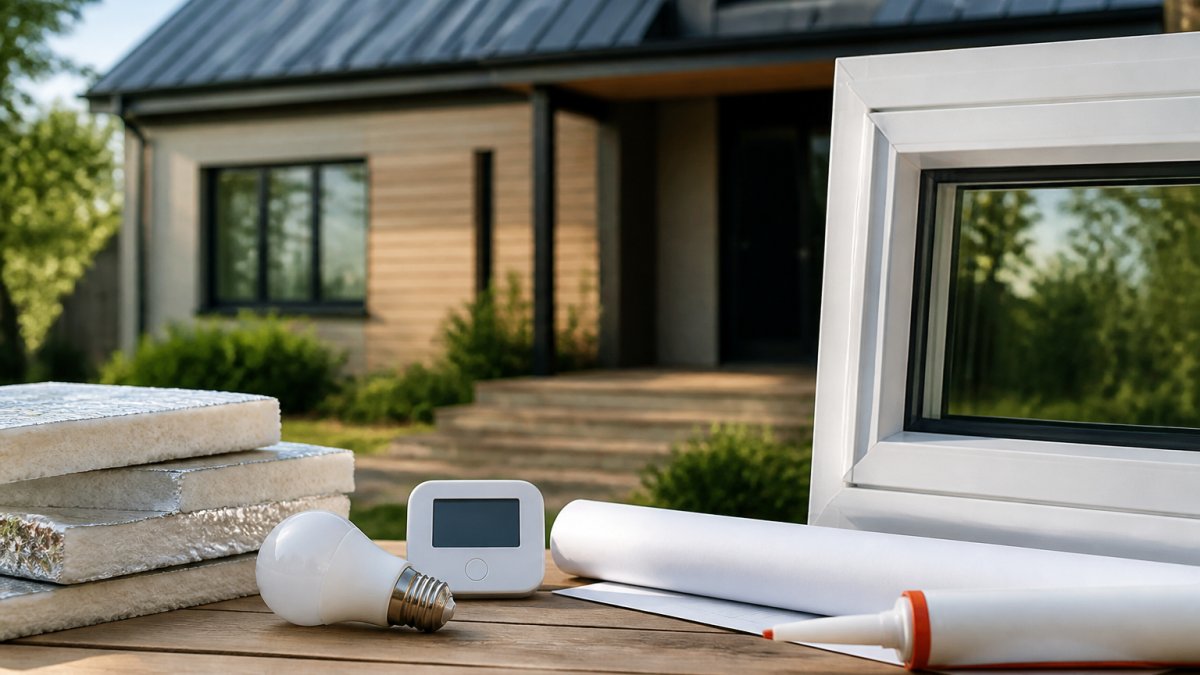
Energy-efficient home design software integrates thermal modeling, solar orientation analysis, and HVAC load calculations, making energy performance a design variable from day one.
Sustainable planning requires understanding how orientation, window placement, and wall assembly affect solar gain, daylighting, heat loss, and insulation value. Tools that model these factors enable informed decisions.
Many platforms include integrated energy analysis that calculates estimated annual energy consumption, utility costs, and payback periods for efficiency upgrades.
The best platforms let you compare scenarios, adding insulation, upgrading windows, installing solar, showing actual energy impact to prioritize improvements within budget.
Bpa John Andrews incorporates energy-efficiency modeling into custom home projects from the design phase forward. Understanding how design choices affect long-term operating costs aligns your initial investment with actual performance. It's the difference between a home that's designed to be efficient and one that happens to perform reasonably well.
Key Features to Prioritize When Selecting Design Tools
Not all custom home design software serves the same purpose, and the most important features depend on whether you're designing for personal visualization or for professional handoff to builders and permit offices. The gap most homeowners miss is understanding what happens to your digital design after you finish, whether it can actually be used by contractors, architects, and building departments.
Output and Deliverables
Start with what you need to produce. Are you generating floor plans for a builder? Renderings for financing conversations? Construction documents for permit submission? Each output type requires different software capabilities. A tool that produces beautiful 3D walkthroughs may export only image files, making it useless for a builder who needs dimensioned floor plans.
The best custom home design software produces multiple outputs from a single model: 2D floor plans with dimensions and annotations, 3D renderings for visualization, material and fixture schedules, and ideally, elevation and section views. Verify that the software can export these as separate files, not just as images, but as editable or CAD-compatible formats.
Export Formats and Interoperability
This is where most homeowner-focused tools fail. Ask whether the software exports to industry-standard formats: DWG or DXF (AutoCAD), PDF, 3D model formats (OBJ, FBX, IFC), and spreadsheet formats for schedules. If the software locks you into proprietary formats or exports only as images, you've created a design that cannot be handed to a professional architect or builder without starting over.
IFC (Industry Foundation Class) export is increasingly important. IFC is a neutral, open-standard format for building information models, used by architects, engineers, and contractors across platforms. If your software supports IFC export, your model can move into professional BIM workflows without data loss. Tools like Revit, ArchiCAD, and increasingly mid-tier platforms like Chief Architect support IFC; many consumer-grade tools do not.
CAD compatibility matters for collaboration. If your designer uses AutoCAD and your builder uses a different platform, can they both open and edit your floor plan? Some software imports DWG files but exports only proprietary formats, creating a one-way workflow. True interoperability means you can import professional drawings, modify them, and export them in formats your collaborators can use.
Collaboration and Version Control
Custom home projects involve multiple stakeholders, you, your designer, your builder, possibly an engineer or energy consultant. The software should support shared access, commenting, and version history. Can your designer and builder both view the current model? Can they leave comments on specific walls or systems? Can you track who made changes and when?
Cloud-based platforms (Houzz, some Autodesk products) enable real-time collaboration and eliminate email-attachment chaos. Desktop software (Chief Architect, SketchUp Pro) typically requires manual file sharing but offers more control over data location. Hybrid approaches let you work offline and sync changes when connected.
Platform Compatibility and Offline Access
If your designer uses Mac and your builder uses Windows, cross-platform support is non-negotiable. Some software runs natively on both; others are Windows-only or Mac-only. Cloud-based tools sidestep this entirely but introduce internet-dependency and data-privacy considerations. Verify whether the software works offline, important if your internet connection is unreliable or if you're concerned about uploading proprietary designs to external servers.
Learning Curve and Usability
Professional-grade CAD (AutoCAD, Revit) requires formal training and weeks of practice. Casual design tools (Floorplanner, RoomSketcher) are intuitive but limited. Mid-tier platforms (Chief Architect, SketchUp Pro) attempt to bridge this gap, powerful enough for serious work, accessible enough for non-professionals. Test the software yourself before committing.
Data Ownership and Privacy
Understand where your project files are stored and whether you can export them. Cloud-based tools store files on company servers; you typically cannot download the native project file, only exports. Desktop software stores files locally; you own them completely. Some platforms offer hybrid options. If your design includes proprietary details or you're concerned about data privacy, clarify the company's data-retention and deletion policies.
Watch Out Export flexibility prevents lock-in. Before committing to any platform, verify that you can extract your floor plans, 3D models, and schedules in industry-standard formats. A beautiful design in a proprietary format is worthless if you cannot hand it to a professional or move it to different software.
How to Use Design Software in Your Custom Home Project
The workflow matters as much as the tool itself. Using custom home design software effectively requires understanding where it fits in your overall project timeline and how it integrates with professional services.

Start with conceptual design. Spend time exploring layouts, testing ideas, and identifying what resonates. This phase requires no precision, rough dimensions and approximate relationships are sufficient. The goal is clarity about your vision before investing in professional design services.
Once you've established core preferences, bring in professional expertise. If you're working with Bpa John Andrews or another builder, share your digital concept. Professionals can identify buildability issues, suggest design improvements, and introduce constraints you hadn't considered. The software conversation becomes more productive because you're refining an existing concept rather than starting from scratch.
Transition to detailed planning. If your software supports it, refine dimensions, specify materials, and add construction details. This phase determines what your builder actually builds. Precision here prevents field improvisation and cost overruns. Your software should generate the documentation set your builder needs, floor plans, elevations, sections, details.
Use 3D visualization to confirm spatial decisions before construction. Walk through your digital home. Test furniture placement. Observe sightlines and traffic patterns. Identify problems that floor plans alone wouldn't reveal. This virtual testing is far cheaper than discovering issues during framing.
Maintain the digital model throughout construction. As field conditions necessitate adjustments, update your model to reflect what's actually being built. This creates an accurate as-built record and simplifies future renovations or additions.
Selecting the right custom home design software accelerates your project and prevents expensive miscommunication. The best tools balance ease of use with professional-grade output, letting you explore ideas quickly while generating documentation your builder can actually use. When you're ready to move from software exploration to actual building, our team brings decades of experience translating digital designs into beautifully crafted homes. Book Online to discuss your custom home vision and how we can bring it to life.
Frequently Asked Questions
What should custom home design software include to support construction planning?
Look for tools that generate accurate 2D floor plans with precise dimensions, layer management for construction details, and the ability to export plans in formats builders and architects understand. The software should handle load-bearing walls, electrical layouts, plumbing runs, and HVAC placement. Real-time rendering helps catch design conflicts before construction begins, reducing costly surprises during build.
Can home design software help plan an energy-efficient home?
Yes. Advanced design software lets you model window placement, insulation values, HVAC zones, and solar orientation to predict energy performance. Some tools integrate with energy analysis features that estimate heating and cooling costs based on your climate zone and material selections. This data helps you make informed decisions early, when changes are cheapest, rather than retrofitting after construction.
What's the difference between free and paid custom home design software?
Free tools typically offer basic 2D floor planning and simple 3D visualization, suitable for initial concept sketches. Paid software provides advanced 3D modeling, professional rendering quality, construction document generation, collaboration features, and technical support. For custom homes requiring contractor coordination and accurate construction plans, paid options usually justify their cost through better accuracy and professional deliverables.
How do I choose between 2D drafting and 3D modeling for my design project?
Start with 2D floor plans to establish room layouts and dimensions. Use 3D modeling to visualize spatial relationships, furniture placement, and how light moves through spaces. Most professional workflows combine both: 2D for precision and construction accuracy, 3D for client presentations and design decisions. Many modern tools integrate both seamlessly in a single platform.
Book Online

Comments